Organize sensitive media without mixing it into your public camera roll
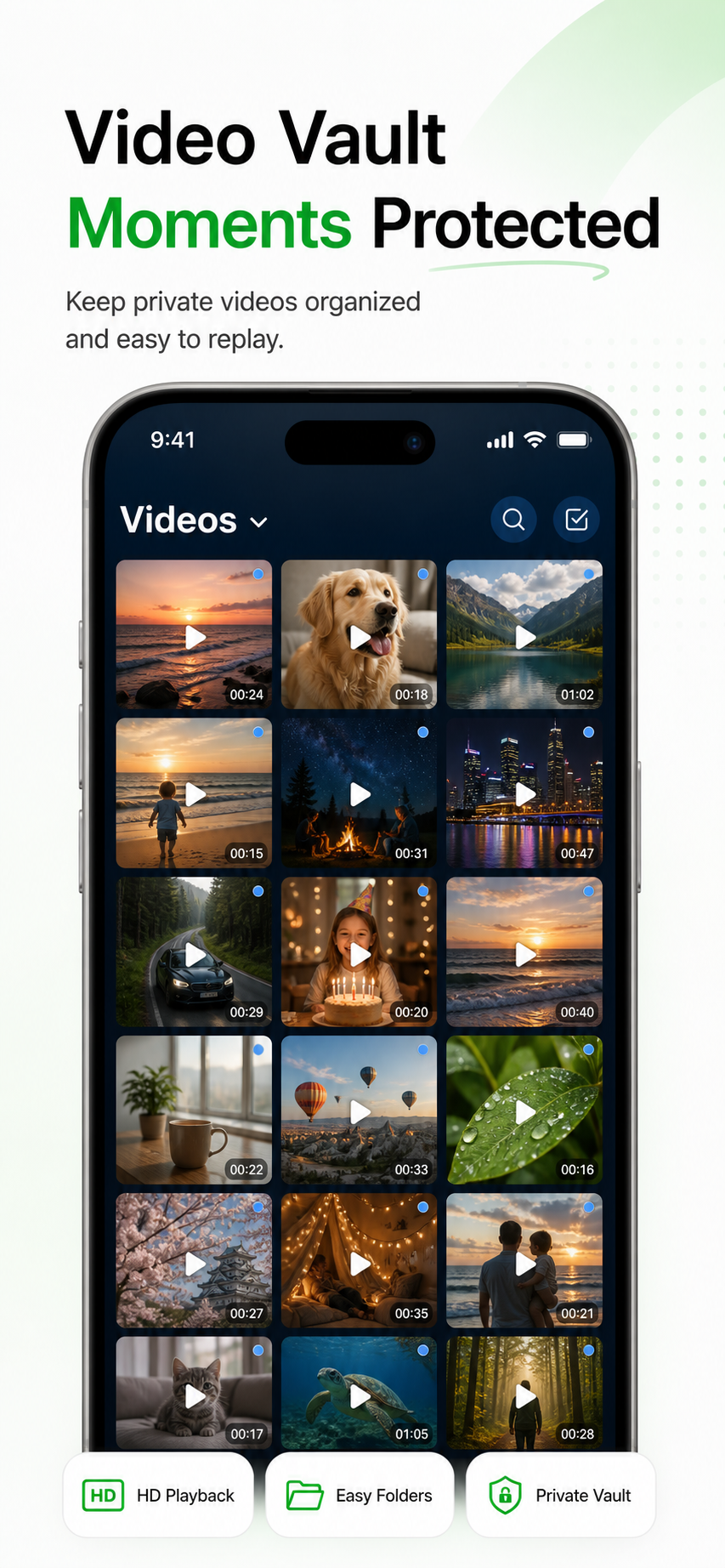
Import photos, videos, screenshots, IDs, contracts, receipts, and files into a dedicated private archive.
 Quiet Secure Archive
 Mo Layer keeps sensitive memories, IDs, contracts, screenshots, and files organized in a discreet encrypted space for iPhone.

Open the App Store page directly on iPhone.
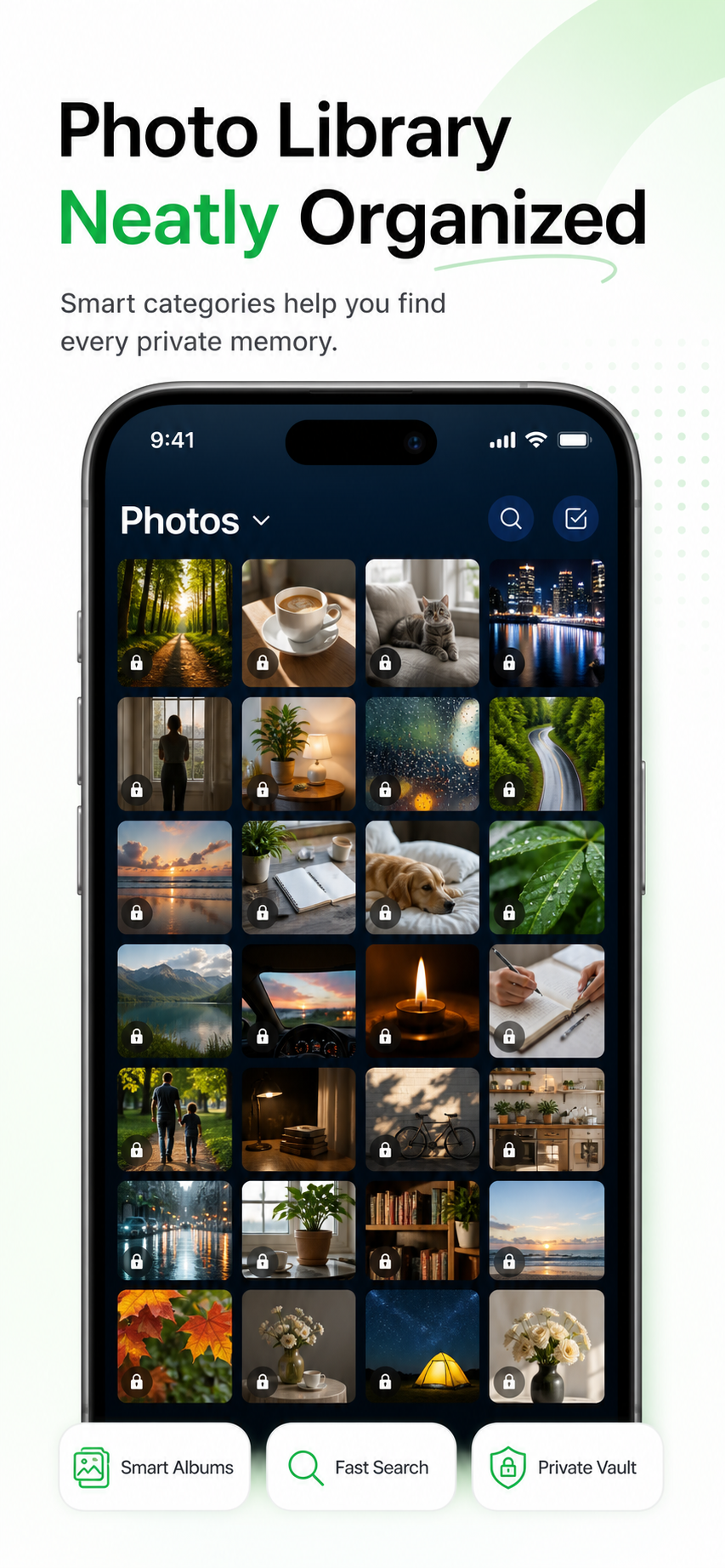
Mo Layer is a private photo vault and secure file organizer for iPhone, built for sensitive photos, videos, IDs, contracts, screenshots, and encrypted iCloud recovery.
| Platform | iPhone / iOS |
|---|---|
| Privacy | Your private content stays on your device by default. If you enable iCloud sync, Mo Layer uploads encrypted content for recovery and device changes. |
| Free and Pro | Free includes 5 GB of vault capacity with no file-count limit, plus backup and restore. Pro removes the app’s 5 GB limit; device storage and iCloud capacity still apply. Existing files remain accessible after Pro expires. Check the App Store purchase sheet for current local prices and billing terms. |
Mo Layer is designed for daily use: secure enough for sensitive files, calm enough to open without drama.
Import photos, videos, screenshots, IDs, contracts, receipts, and files into a dedicated private archive.
Albums, recent imports, favorites, file categories, and clean visual grids keep private content usable.
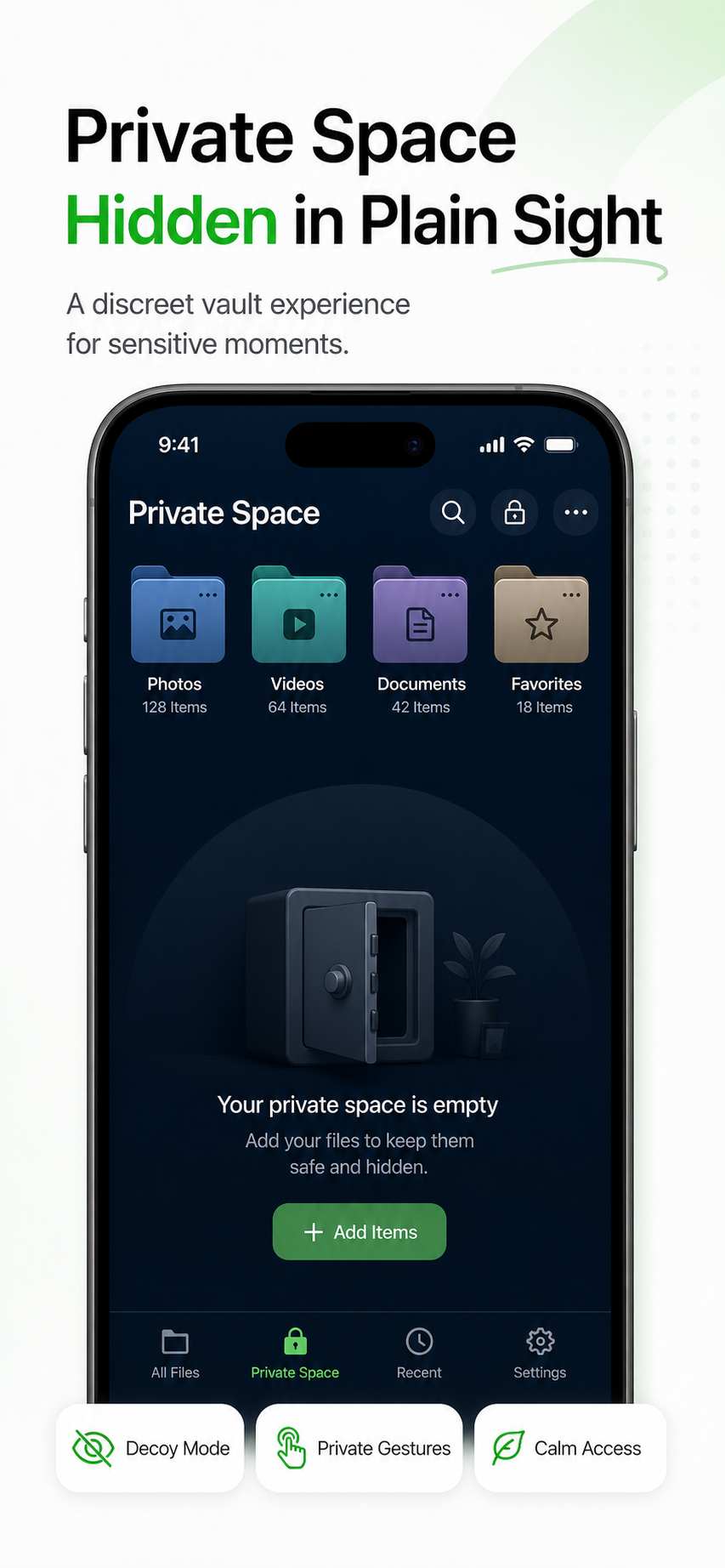
A restrained file-tool experience, private gestures, and realistic decoy space help the app feel calm and practical.
These are full promotional screenshots from the real app folder, shown as product posters instead of squeezed phone mockups.
Your private content stays on your device by default. If you enable iCloud sync, Mo Layer uploads encrypted content for recovery and device changes.
Free includes 5 GB of vault capacity with no file-count limit, plus backup and restore. Pro removes the app’s 5 GB limit; device storage and iCloud capacity still apply. Existing files remain accessible after Pro expires. Check the App Store purchase sheet for current local prices and billing terms.
Is Apple’s Hidden album enough? How do I recover Mo Layer on a new iPhone?
How Mo Layer protects photos, videos, screenshots, IDs, contracts, and private files.
A practical comparison of hidden albums, locked albums, and private vault apps for iPhone.
What encrypted iCloud recovery means, what Mo Layer uploads, and what stays unreadable.
How a realistic decoy space helps a private vault stay discreet in everyday situations.
How to organize IDs, contracts, receipts, screenshots, videos, and sensitive files on iPhone.
A checklist for local protection, encryption, recovery, decoy behavior, and subscription value.
A practical way to judge whether a private photo vault is safe enough for sensitive photos, videos, IDs, contracts, and screenshots.
Compare private vault apps and cloud drives for storing sensitive photos, IDs, contracts, screenshots, receipts, and personal documents.
How to think about deleting original photos after moving sensitive media into an iPhone private vault.
A practical guide for organizing IDs, contracts, receipts, screenshots, and private files on iPhone without mixing them into everyday albums.
Why screenshots often contain sensitive information and how to organize them in a private iPhone vault instead of leaving them in the camera roll.
A privacy-focused guide to storing ID cards, passports, licenses, and document photos on iPhone without mixing them into everyday albums.
Understand realistic decoy vault use cases and why discretion matters for private photo vault apps.
What to check before relying on a private photo vault for device changes, encrypted iCloud recovery, and long-term private archives.
The service terms for using Mo Layer, including private content rules, subscriptions, iCloud sync, acceptable use, and contact information.
How Mo Layer handles private vault content, optional iCloud sync, app permissions, feedback data, subscriptions, and privacy choices.
Request features, report issues, or explain what would make Mo Layer more useful for your private archive workflow.
No. The product is designed around local-first protection. Optional iCloud sync stores encrypted content, and the developer does not hold your decryption key.
No. Mo Layer is designed for photos, videos, screenshots, IDs, contracts, receipts, links, and important files.
Apple’s Hidden album can require authentication on supported systems and is suitable for hiding photos and videos. Mo Layer provides a separate archive for media and documents, with folders and a decoy space. Choose based on file types, organization and recovery needs; a separate app is not automatically more secure.
Apple: hide photos and videosRecovery requires an existing encrypted iCloud backup and access to the vault key through iCloud Keychain or your recovery key. Reinstalling the app or restoring a Pro purchase alone does not recover missing files or keys.
Free includes 5 GB of vault capacity with no file-count limit, plus backup and restore. Pro removes the app’s 5 GB limit; device storage and iCloud capacity still apply. Existing files remain accessible after Pro expires. Check the App Store purchase sheet for current local prices and billing terms.